Rogues Gallery

A gallery for your comic collection

Rogues Gallery

Your comics belong on display.
Even when they live in boxes.

Bring the covers of your League of Comic Geeks collection to an Android phone or tablet. Sign in, load your collection, and let the artwork fill the screen.

Made for Android · Android 8.0 or newer · Unaffiliated with League of Comic Geeks

Version 1.0.2 · Discontinued
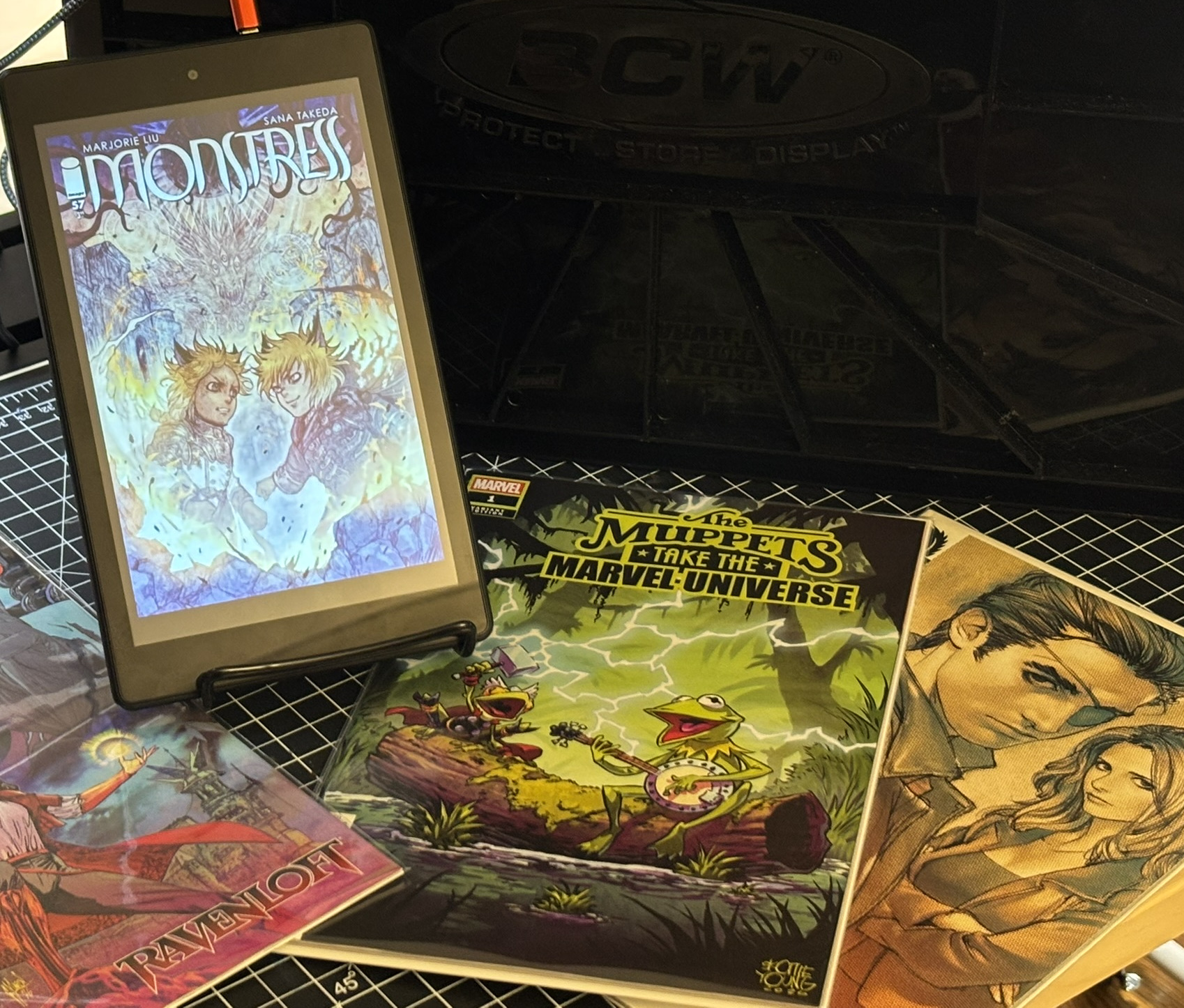
An Android tablet displaying a Monstress cover beside comic books and storage boxes
THE ARTWORK TAKES THE SCREEN01 / ROGUES GALLERY
01 / DISPLAY

Give every cover its moment.

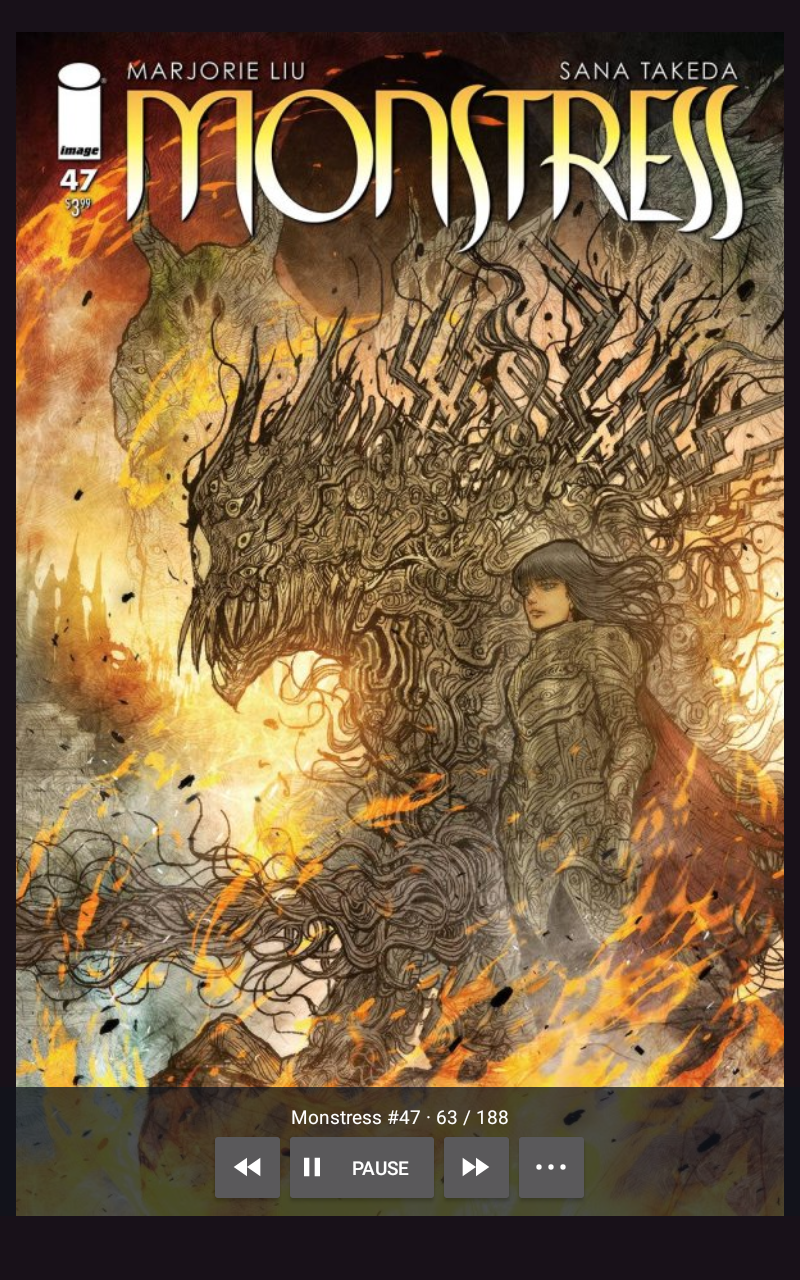
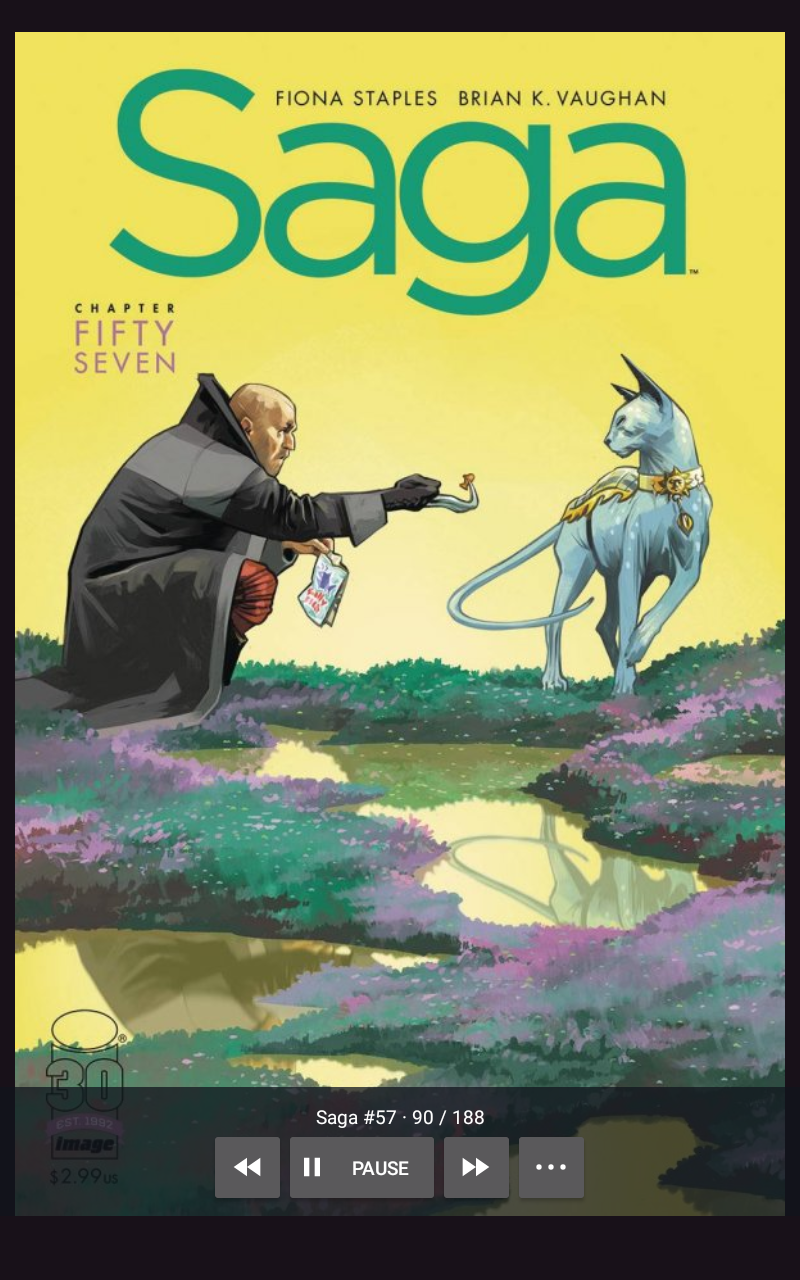
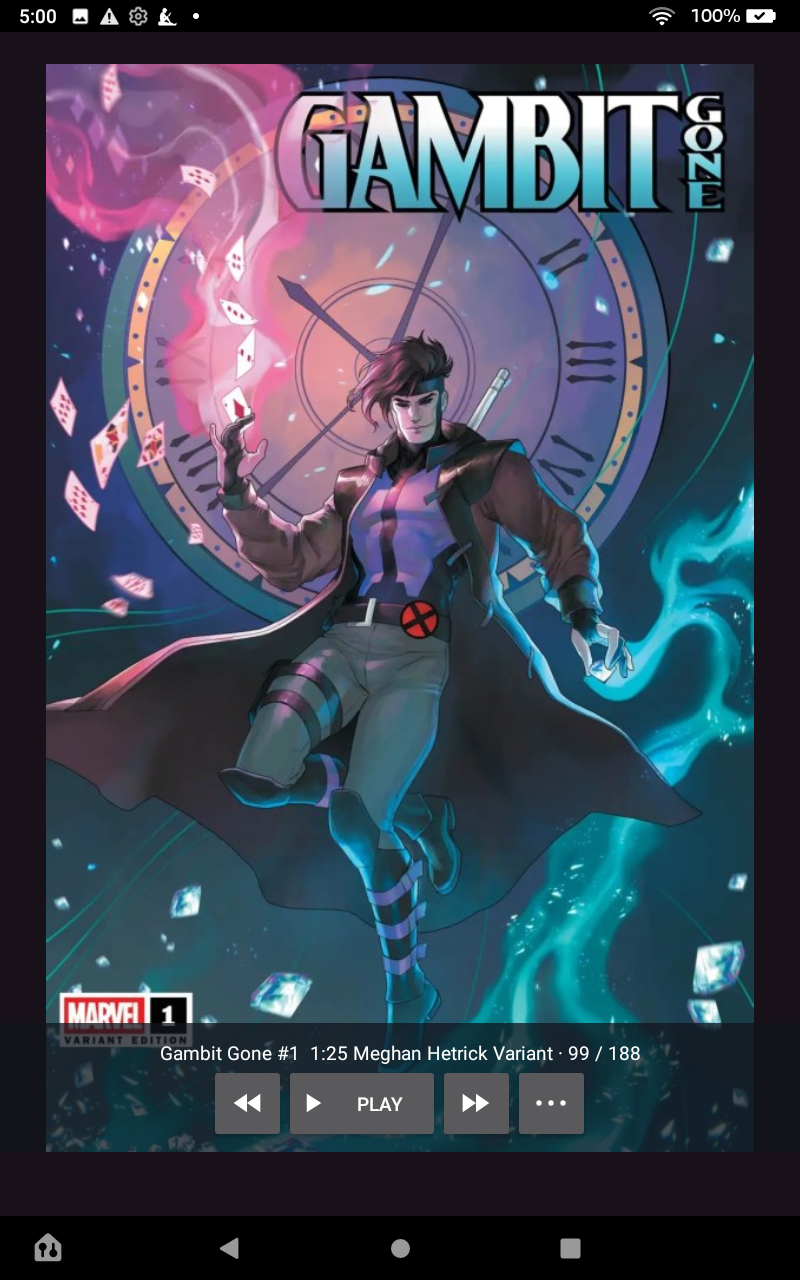
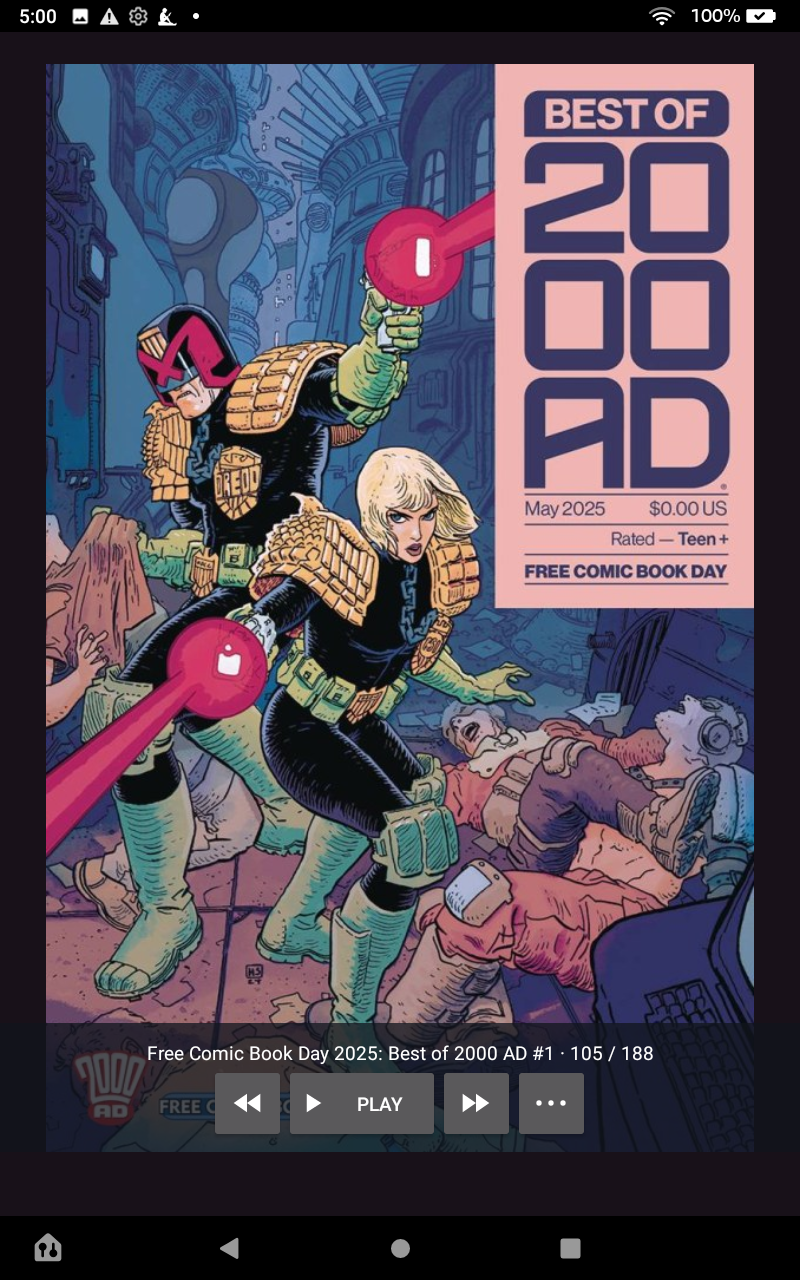
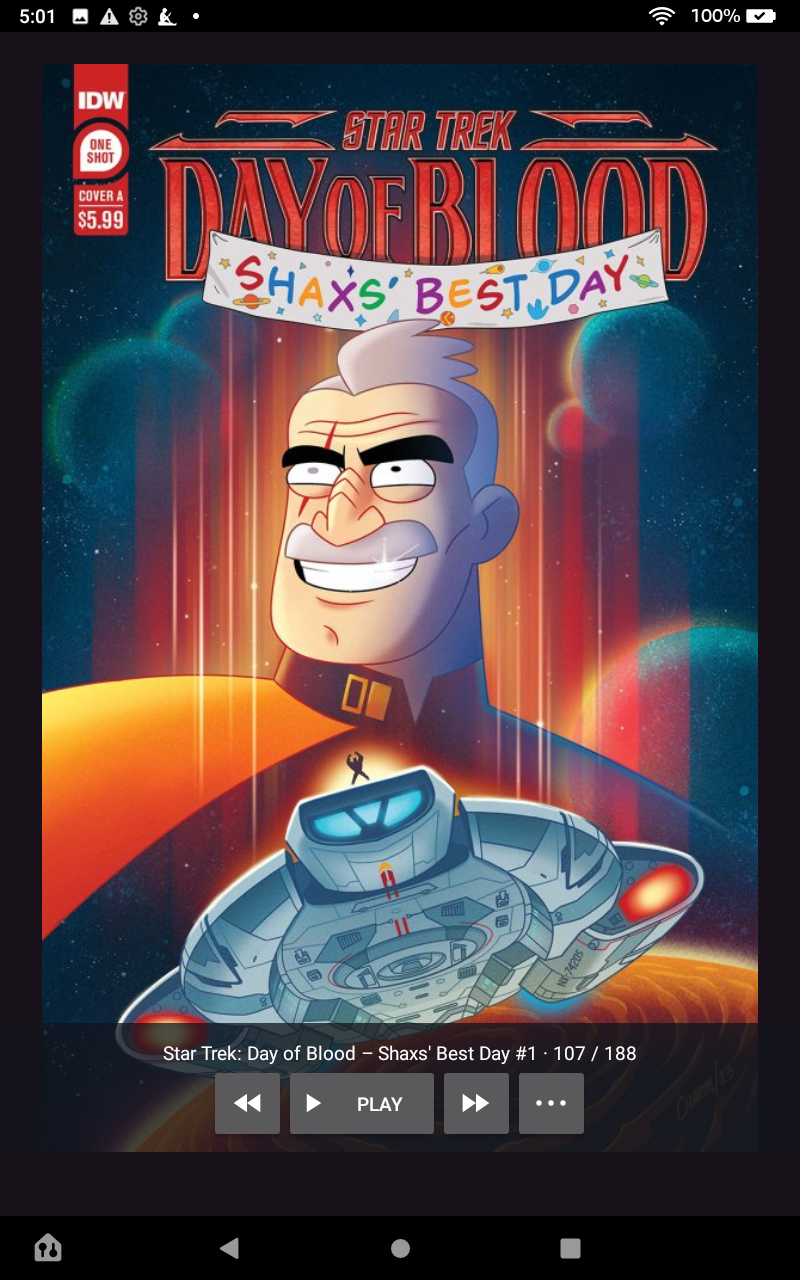
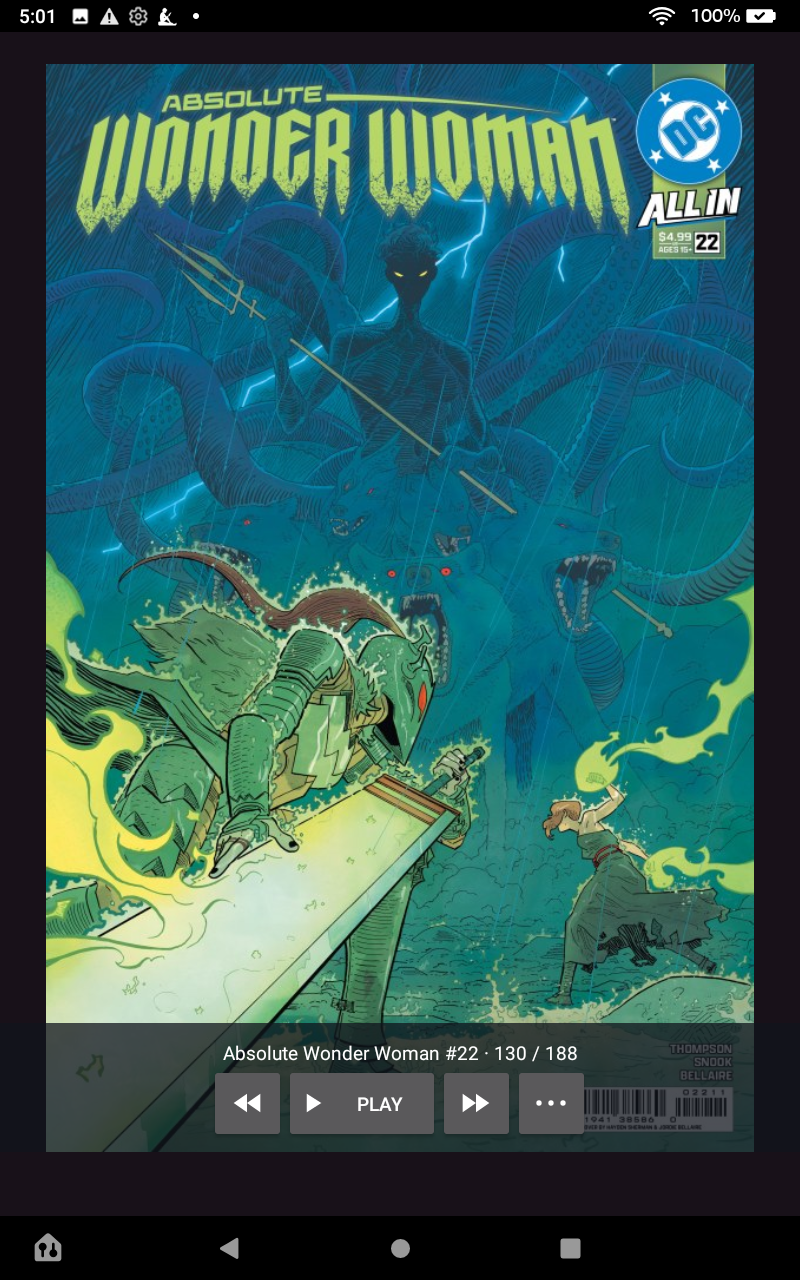
A full-screen slideshow starts playing as soon as your collection loads. Tap a cover to reveal its title and floating controls without shrinking the artwork. The title and controls fade out after 30 seconds of inactivity; tap the cover to bring them back.

02 / SET THE PACE

A rhythm of your own.

Choose a delay from 3 seconds to 10 minutes. Smooth cross-fades are on by default, or switch to instant cuts. Play covers at random or in League’s listed order.

03 / CURATE

Your collection. Your selection.

List your full Have It collection, then choose up to 1,000 covers by default. Adjust the limit, choose randomly or in order, and optionally keep the same selection between sessions.

04 / MAKE ROOM

Exclude the covers you don't want to show.

Curate your gallery. Exclude a cover from its options menu, or check and uncheck issues in the collection list. Your exclusions stay on your device, separate from what you own on League.

Version 1.0.2

Install Rogues Gallery.

  1. Download the latest Rogues Gallery APK on your Android device.
  2. Open RoguesGallery.apk from your browser's downloads.
  3. If Android asks, allow that browser to install unknown apps, then return to the installer.
  4. Tap Install. You can turn the browser's install permission off again afterward.

For installation and update notifications, users of Obtainium can add Rogues Gallery directly or add https://github.com/erickolb/RoguesGallery as the source URL manually.

Requires Android 8.0 or newer. Release builds use a different signing key from debug builds; uninstall a debug build with this app ID before installing the release.

A closer look

All about the covers.

Your collection, on screen.
Tap any screenshot for a closer look.

First-run setup

From your boxes
to your screen.

Rogues Gallery uses the issues you have marked Have It in League of Comic Geeks, including individual issues and variants.

  1. Open the app and sign in on League’s own website.
  2. Navigate to your own profile collection.
  3. Tap Load My Collection and let the full issue list load.
  4. The slideshow begins automatically. Tap the cover for controls and Settings.

No separate API key is needed. This is an unofficial integration; changes to League’s website can affect collection loading. An internet connection is needed to sign in, load the collection, and fetch uncached artwork.

Data use & privacy

A display for your collection.
A password kept with League.

You sign in directly with League through its embedded website. Rogues Gallery does not read, retain, or share your LCG password. It reads your collection to show covers, and does not change your League collection.

Cover images are cached on your device. Settings, excluded comic references, and optional saved selection references also stay there. League retains its own browser session cookies and website storage until sign out.

The app has no developer-operated server, advertising SDK, or analytics SDK. Collection and image requests go directly to League and its image providers, which process those requests under their own policies.

Read the full Data Use / Privacy Policy

Built for the collection

Bring your covers
back into view.

A shelf of comics can be a gallery, even when the shelf is a storage box. Install Rogues Gallery and put your collection on display.

Explore on GitHub